Control Panel

How to Access Webmail (Hostible Webmail)
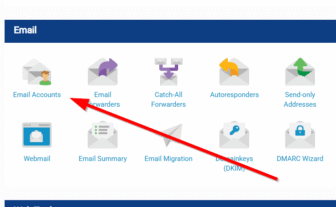
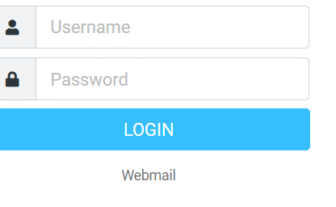
How to Access Webmail with Hostible You can check your email from any device using Hostible Webmail. This lets you read, send, and manage emails without configuring an email client. How to Log In to Webmail Open your browser and go to: https://webmail.hostible.co.uk Enter your full email address (example: you@yourdomain.co.uk). Enter your email password. Click Log In. Your inbox will load immediately with access to contacts, folders and settings. Forgotten Password? Email passwords can be reset inside the control panel